API Tokens
Personal access tokens that let scripts and integrations call the Pixwel API as you — create, manage, and revoke them.
Personal access tokens that let scripts and integrations call the Pixwel API as you — create, manage, and revoke them.
API tokens (personal access tokens) let scripts and integrations call the Pixwel API as you. Manage them on the API Tokens tab in Preferences.
A token acts on your behalf with your full account permissions. Treat it like a password — the value is shown only once, when you create it.
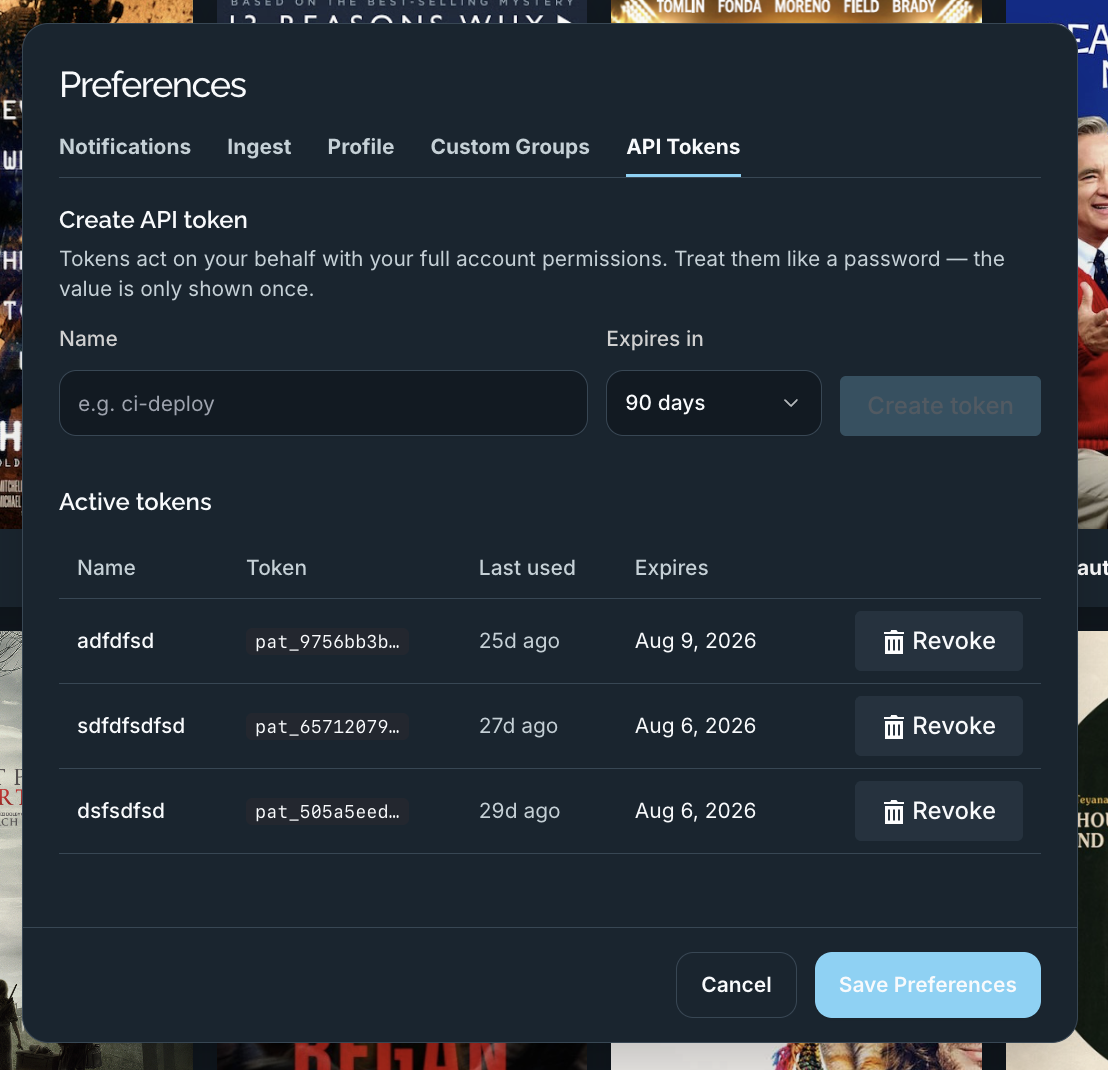
ci-deploy).The full token is then shown once, along with a ready-to-use Authorization: Bearer … header. Copy it immediately and store it somewhere safe — you won’t be able to see it again.
The Active tokens table lists your existing tokens:
| Column | What it shows |
|---|---|
| Name | The name you gave the token. |
| Token | A non-secret prefix (for example pat_9756bb3b…) so you can tell tokens apart. |
| Last used | When the token last made a request (or — if never). |
| Expires | When the token stops working. |
Revoke disables a token immediately. Revoke any token that’s no longer needed or may have been exposed.