Mounted Drive (WebDAV)
Mount Pixwel as a read-only network drive and browse every studio, project, asset, and file as folders — ideal for syncing and automation.
Mount Pixwel as a read-only network drive and browse every studio, project, asset, and file as folders — ideal for syncing and automation.
Beta. The mounted drive is an early-access feature and isn’t on production yet. Behavior may change before general release. The connection address is shared with beta participants — contact Pixwel to take part.
The mounted drive lets you connect Pixwel to your computer as a read-only network drive over WebDAV. Point Finder, Cyberduck, Mountain Duck, Windows Explorer, or rclone at it and your whole library shows up as folders:
studio / project / asset / file
Open a folder to drill in; open a file to download it. Everything you’d browse in the web app is there — scoped to exactly what your account can see — without opening a browser.
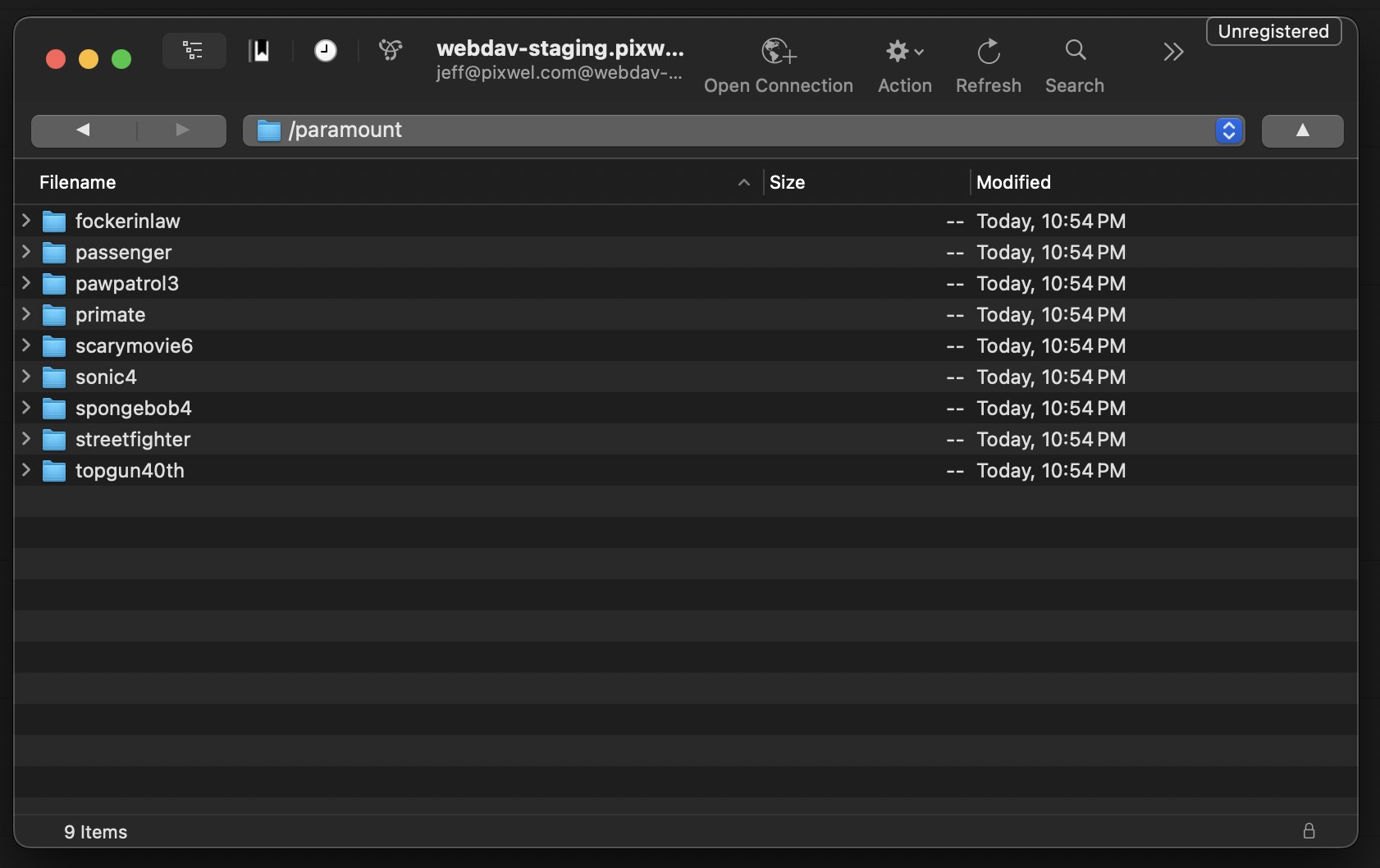
rclone (or anything that speaks WebDAV) — list, copy, and sync without clicking through the UI.rclone job can pull new files the moment they’re available, so they’re waiting on your local storage or NAS by morning.You’ll need an API token (a personal access token, prefixed pat_) — create one in Preferences. The drive uses HTTP Basic auth: put anything in the username field and paste your token as the password.
An API token carries your full account access. Don’t share it, and only connect over https://.
Pixwel provides the WebDAV connection address when you join the beta. Use it wherever the steps below show <webdav-address>.
In Finder, press ⌘K, enter https://<webdav-address>, and paste your API token as the password.
Finder probes every folder eagerly, so the first visit to a large directory can pause. Cyberduck or Mountain Duck feel snappier.
A scheduled rclone sync is the payoff. For example, mirror a project’s new deliverables to local storage every morning:
# cron: 6am daily — pull anything new since the last run
rclone copy pixwel:focus-features/anemone/ /mnt/deliveries/anemone/ \
  --ignore-existing --transfers 8
Because downloads go straight to storage, large pulls run at native throughput.