Downloading Scripts
The script formats Pixwel produces for an asset, how to download them, and when they become available after upload.
The script formats Pixwel produces for an asset, how to download them, and when they become available after upload.
Most assets come with downloadable scripts — the timed, source-language text of the asset. For the concepts behind these files, see Scripts.
| Script | Contents | Format |
|---|---|---|
| SRT transcript | Timed dialogue, narration, and graphics. | .srt |
| Graphics SRT transcript | Timed graphics only. | .srt |
| Continuity script | Timed dialogue, narration, graphics, and character identification. | .doc / .docx |
| Music cue sheet | The asset’s music cues, where available. | document |
A translated .ass script format also exists, but it’s limited to translated scripts and is only produced through a submitted subtitled work order.
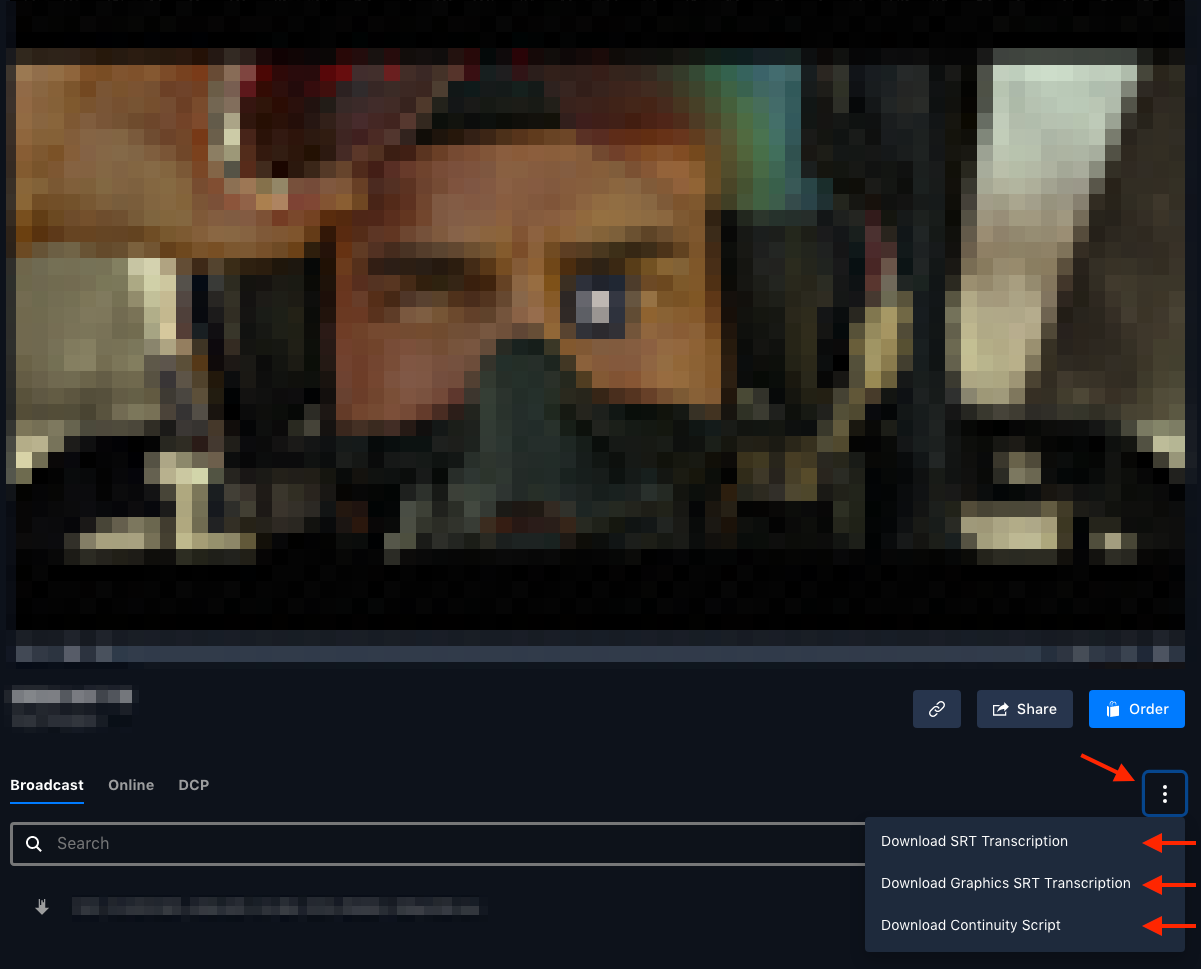
Find the spot (asset) you need and open it in asset view.
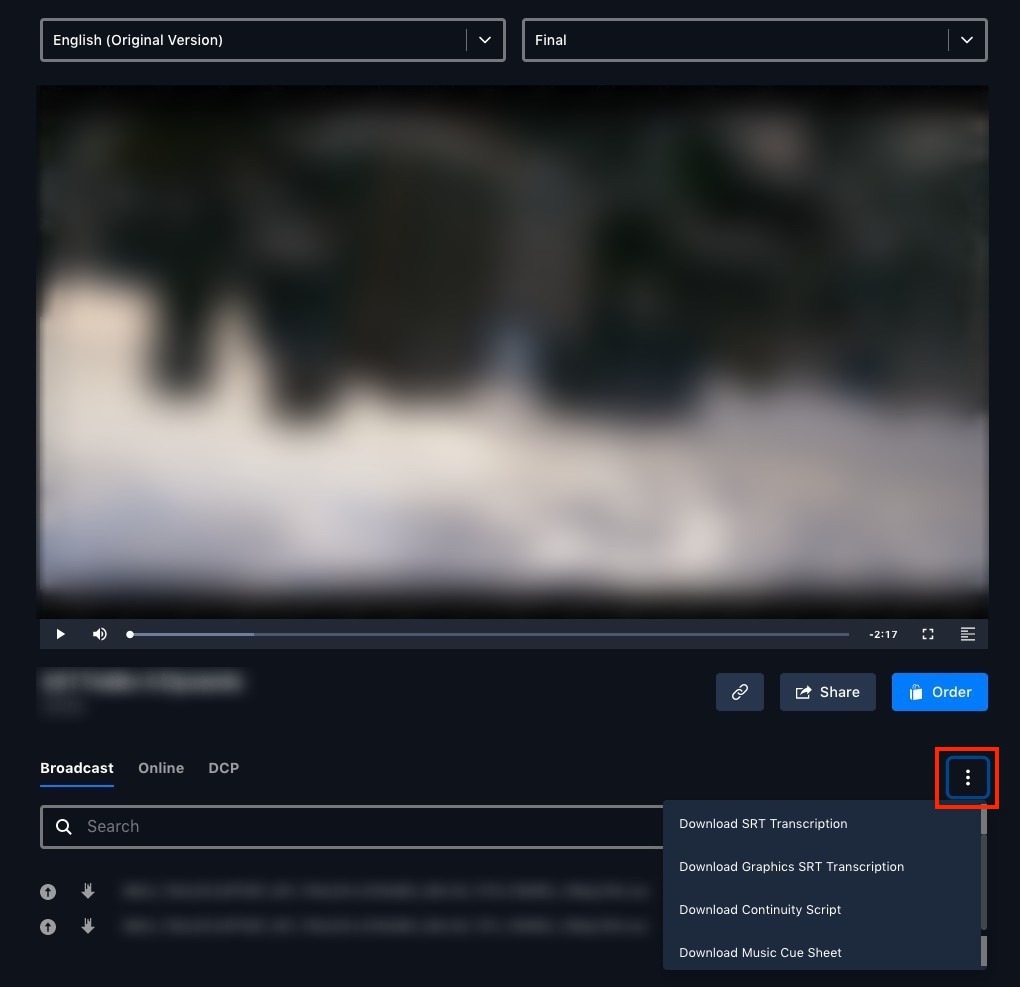
Click the vertical ellipsis menu (⋮) beneath the asset’s preview window.
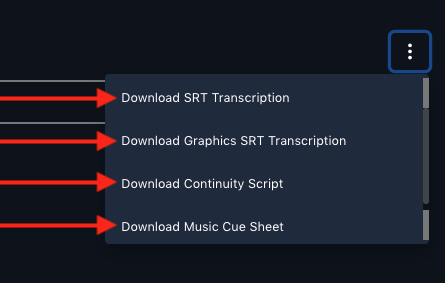
Pick the script type(s) you want from the dropdown — SRT, Graphics SRT, continuity script, or music cue sheet.
Scripts are generated automatically after an asset is uploaded:
.srt files — roughly four to six hours after upload.