Subtitling & Translation
Pixwel's built-in subtitling tools — Autosub, machine translations, translation memories, translation approvals, and editing subtitle cells.
Pixwel's built-in subtitling tools — Autosub, machine translations, translation memories, translation approvals, and editing subtitle cells.
When you order a subtitled localization, Pixwel gives you tools to translate it inside the platform — automatically, from past work, or by hand. This guide covers them. For placing the order itself, see Placing & managing orders.
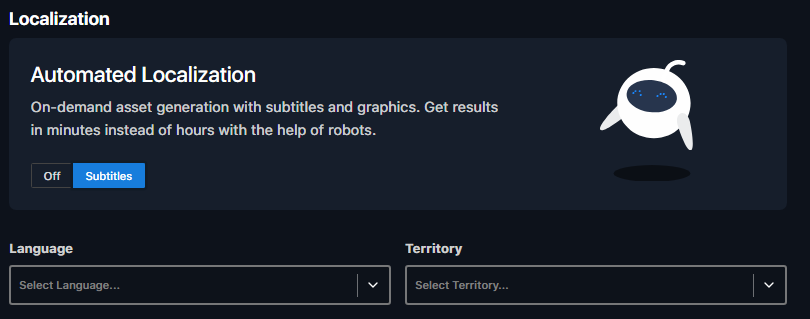
Autosub creates final subtitled files in your local language — for online or broadcast — without a vendor, in minutes instead of hours.
Click Order Localized Version on an eligible asset.
Toggle Autosub on in the Order Wizard, if it’s available for that asset.
Choose target language, territory, and transcodes (within your permissions).
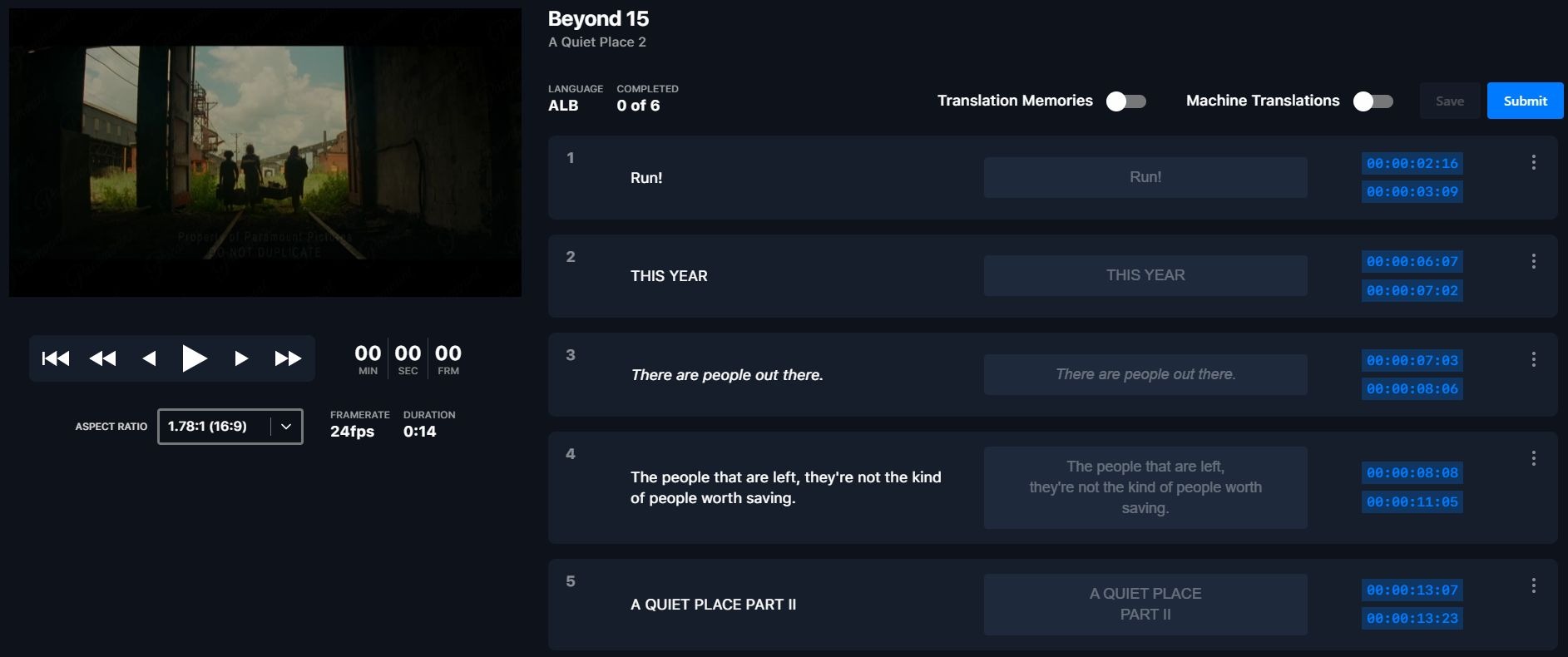
Click Place Order, then Translate Now to open the Translation Tool and enter your subtitle text.
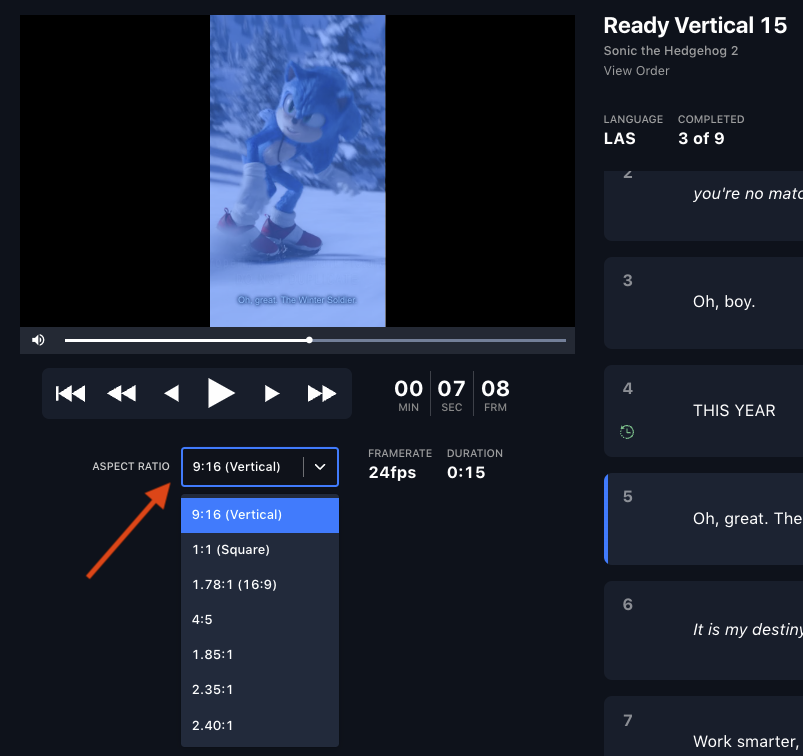
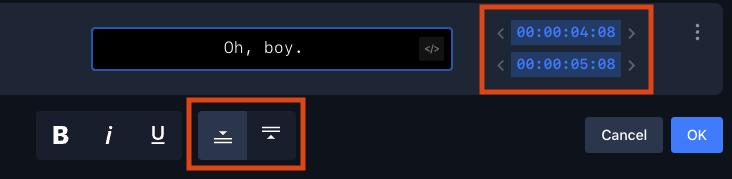
Use the Aspect Ratio dropdown to match the asset (16x9, square, 4x5, vertical), adjust timing with the arrow buttons, and reposition subtitles to avoid on-screen graphics.
Submit, then within minutes review the preview, make changes, and approve.

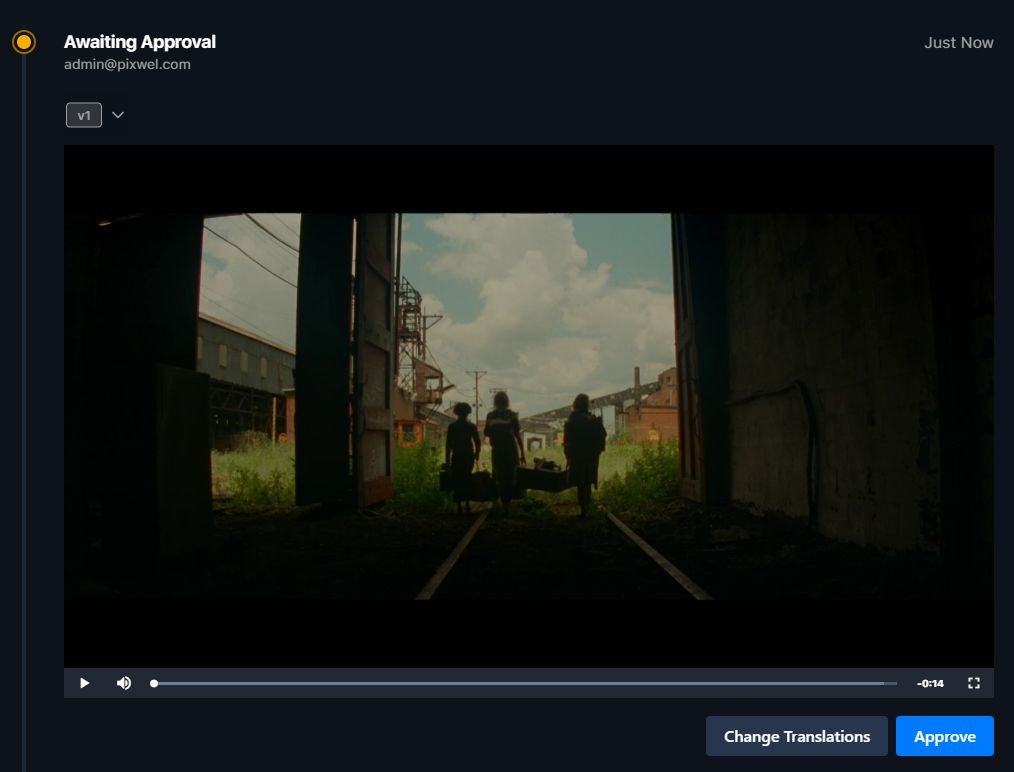
Approved files are ready within minutes, labeled AUTOSUB in the filename.
Set the correct language and territory, and make all revisions before approving — a cancelled order can’t be reopened.
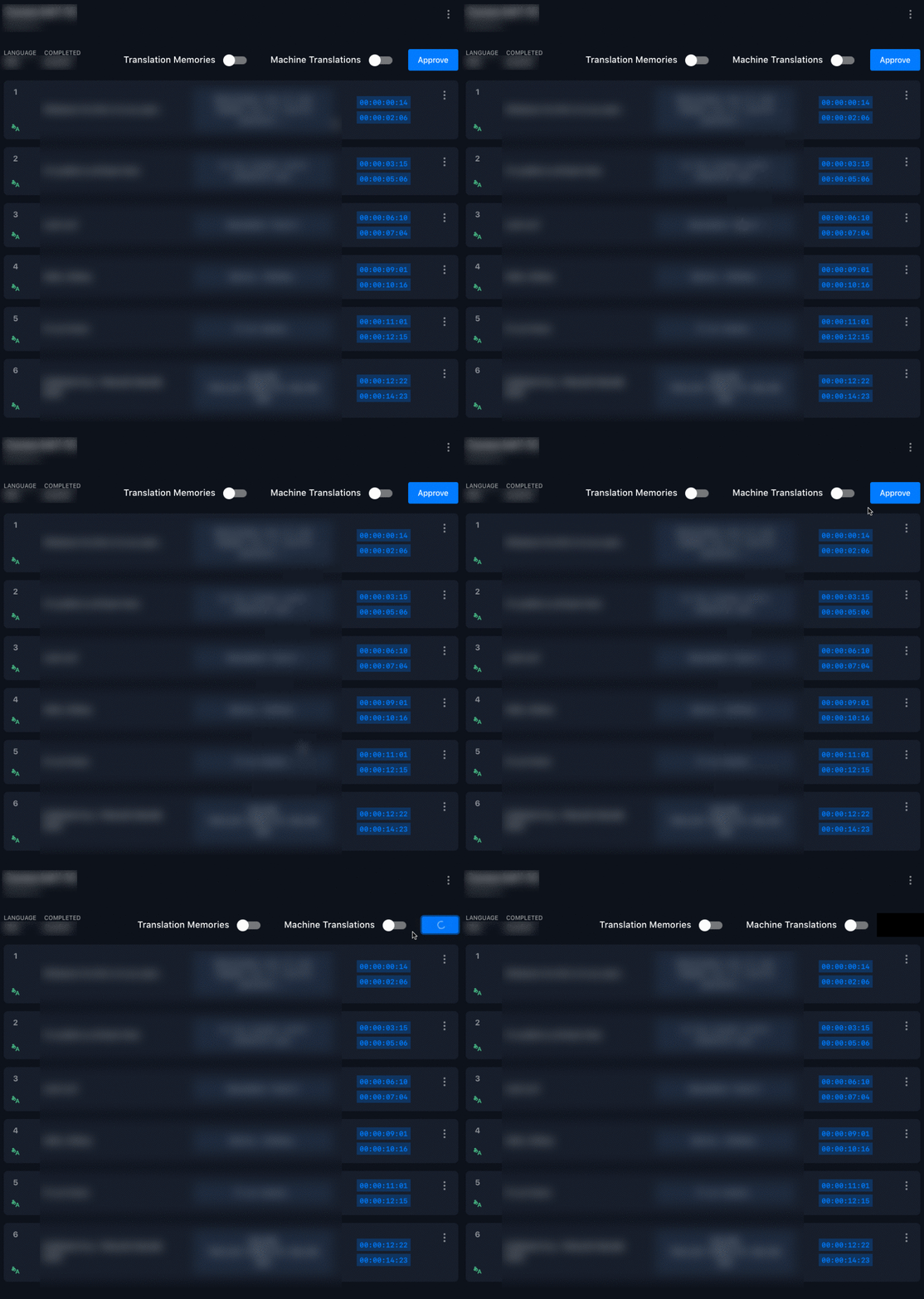
Machine translations auto-translate every cell in the subtitler using AI/ML — a strong starting point for long-form content.

Enable machine translations before splitting or merging any cells — splitting or merging disables the feature.
Translation memories automatically store translations from previous orders and reuse them — no manual step required.
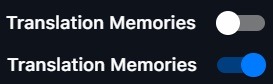
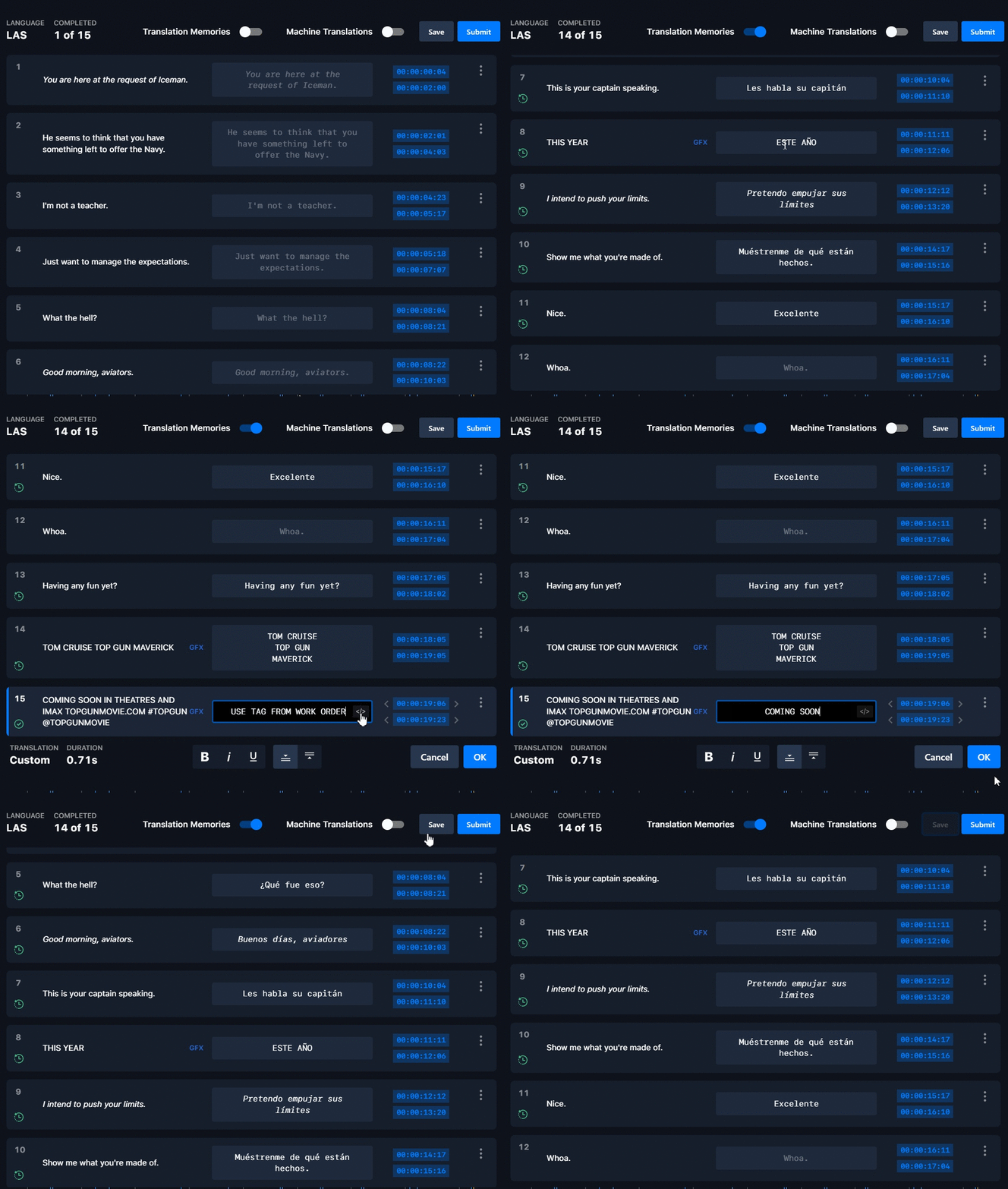
Translation memories only fire on an exact match, including punctuation. Truncated or altered lines won’t auto-populate — this protects accuracy.
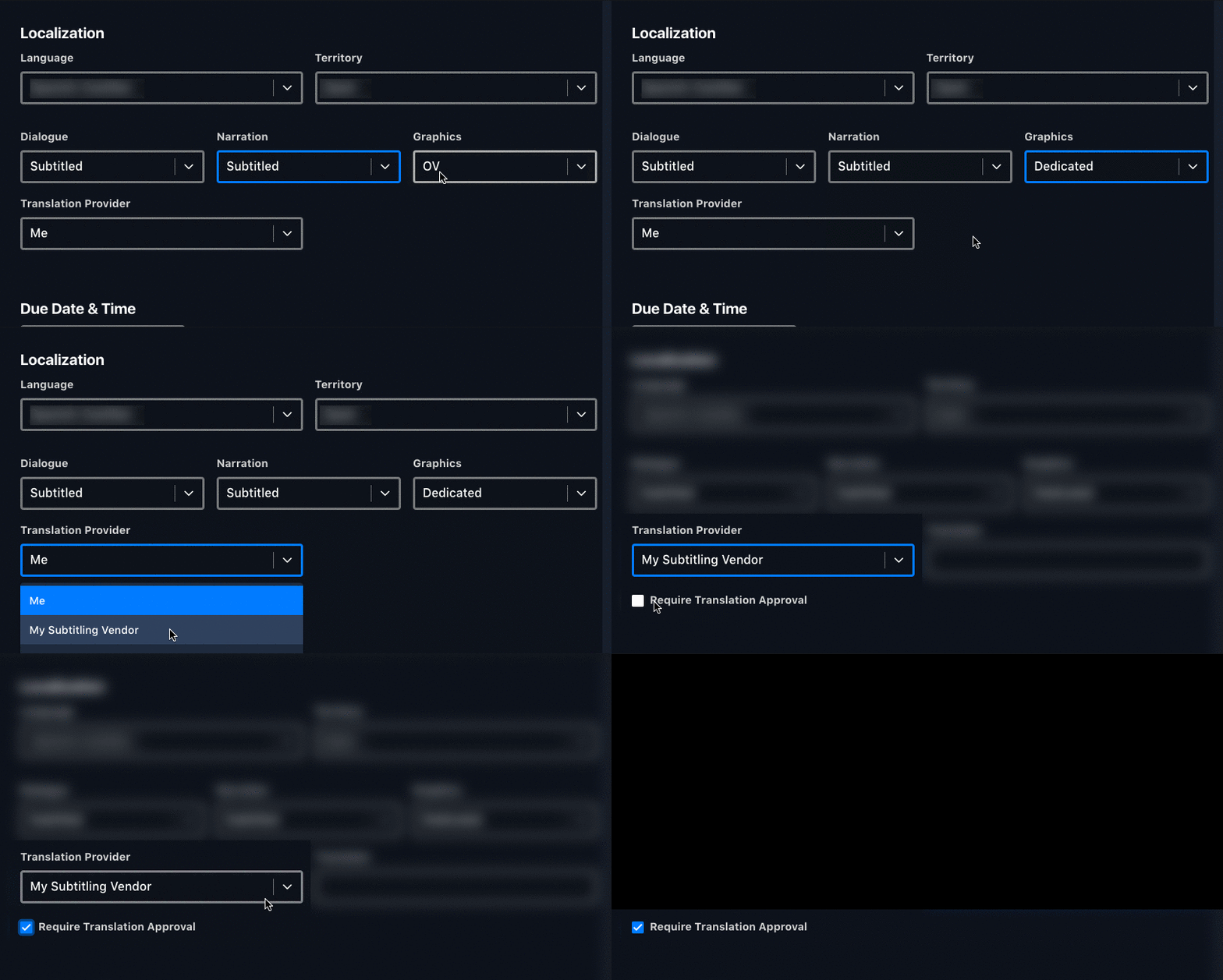
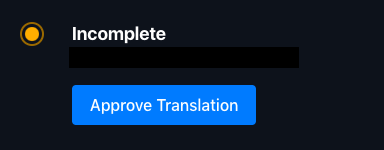
Translation approvals let you review and approve a third-party translator’s work before production proceeds.
To enable: when ordering, choose Subtitled for dialogue/narration/graphics, select My Subtitled Vendor as the translation provider, then tick Require Translation Approval.
The workflow:

From a cell’s ⋮ menu in the subtitler:
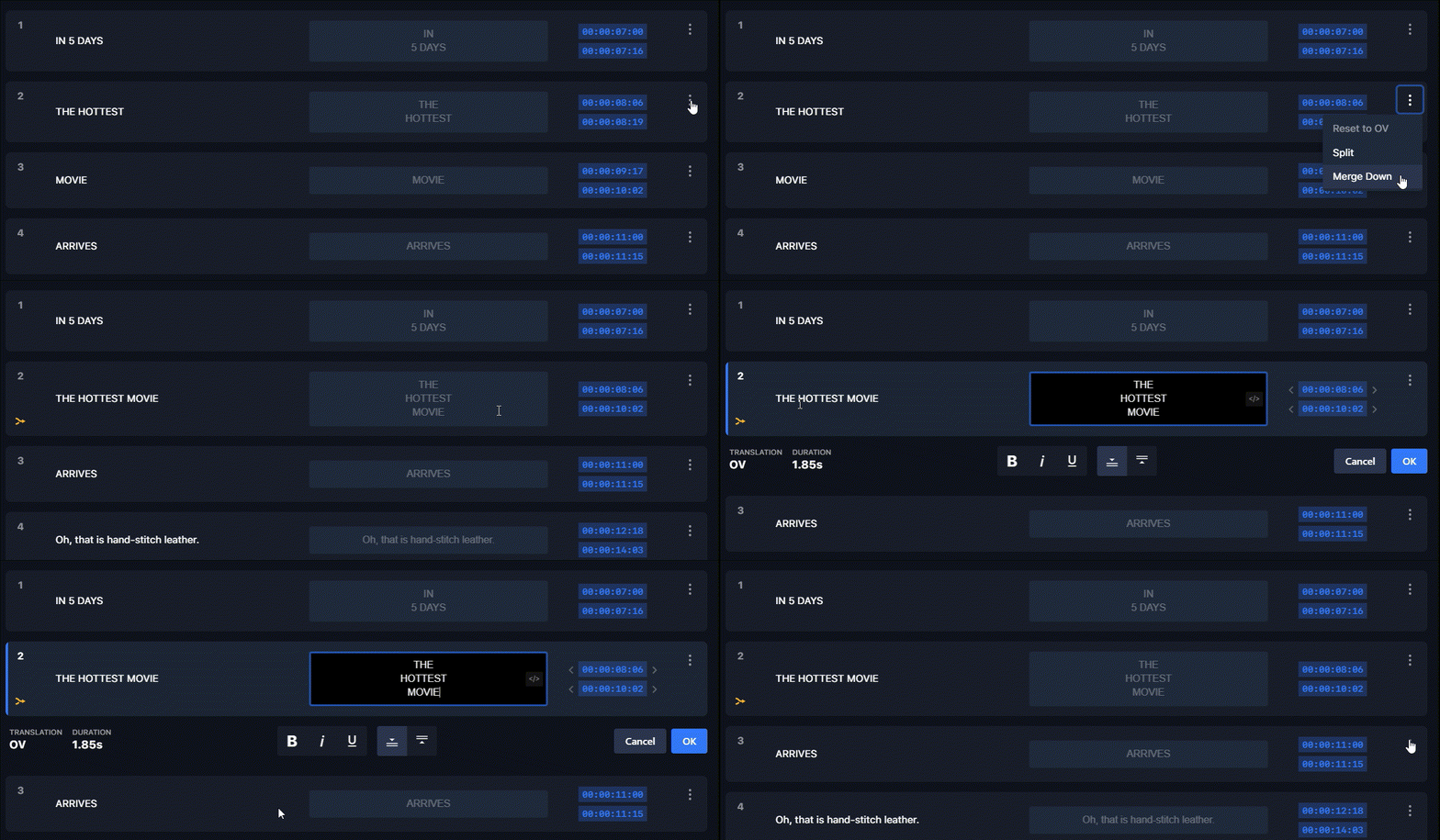
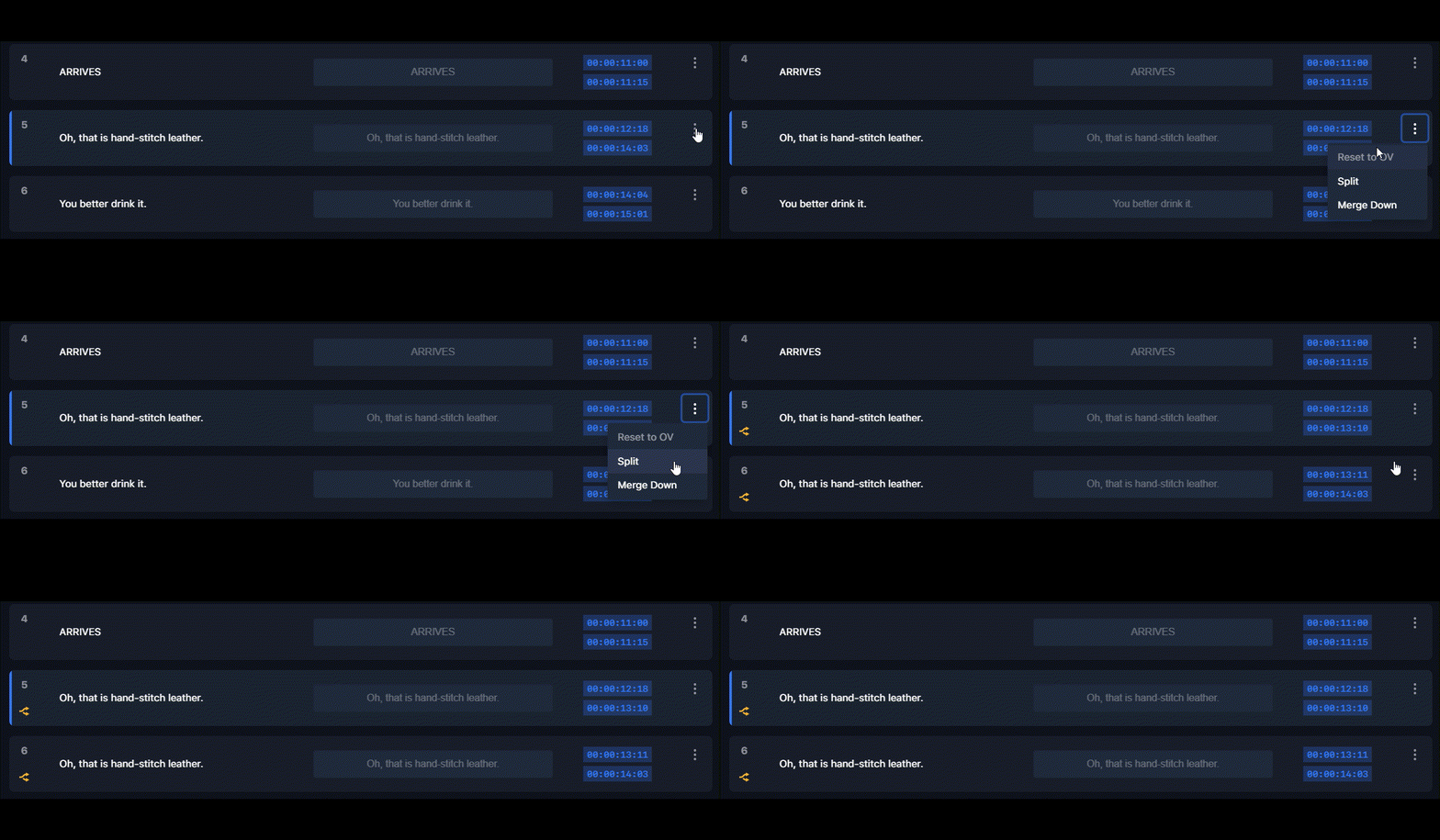
Splitting or merging disables machine translations and translation memories — enable those first if you need them. You also can’t chain operations: split and merge actions can’t be combined.