Groups
The Admin Dashboard Groups tab — the groups that define a user's role, the studios they cover, and how billing is configured.
The Admin Dashboard Groups tab — the groups that define a user's role, the studios they cover, and how billing is configured.
A group is a set of users with a type and a set of permissions; it defines a user’s role on the platform. The Groups tab on the Admin Dashboard is where groups are created and configured. For how group types map to what people can do, see User roles.
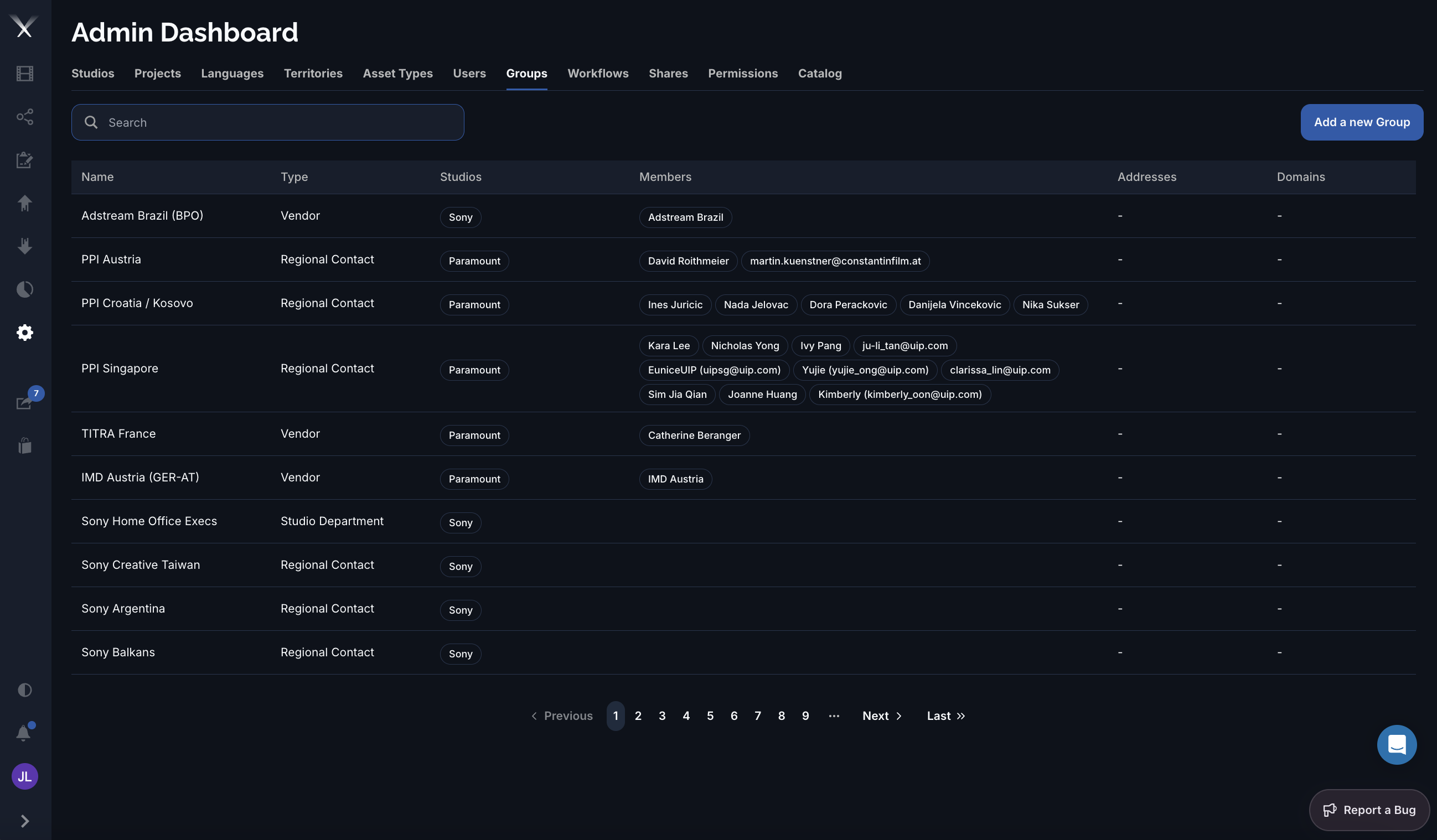
| Column | What it is |
|---|---|
| Name | The group’s name. |
| Type | The group type — Admin, Studio Department, Regional Contact, or Vendor (see below). |
| Studios | The studios the group covers, shown as tags. |
| Members | The users in the group. |
| Addresses | The group’s mailing addresses. |
| Domains | Email domains used to auto-assign new users to the group. |
| Type | Role |
|---|---|
| Admin | Full platform access, including the Admin Dashboard. |
| Studio Department | Belongs to one studio; typical studio-side access (sharing, download, orders, notes). |
| Regional Contact | Scoped to a studio, project, and territory with more limited access. Commonly called a territory. |
| Vendor | A localization partner spanning the studios/projects/territories they work on — see Localization vendors. |
The group form is organized into tabs:
Group type sets a sensible default set of capabilities, but the actual access is governed by the Permissions tab, where grants are scoped by studio, project, territory, language, and usage.