Admin Dashboard
The administrator's control center — where Pixwel administrators manage studios, projects, users, groups, permissions, and the platform's shared building blocks.
The administrator's control center — where Pixwel administrators manage studios, projects, users, groups, permissions, and the platform's shared building blocks.
The Admin Dashboard is where Pixwel administrators configure the platform. Everything the rest of Pixwel hangs off of — the studios that own projects, the languages and territories assets are localized for, the users and groups that get access, and the permissions that govern it all — is created and edited here.
The Admin Dashboard is administrator-only. If you don’t see it, your group hasn’t been granted administrator access. See User roles.
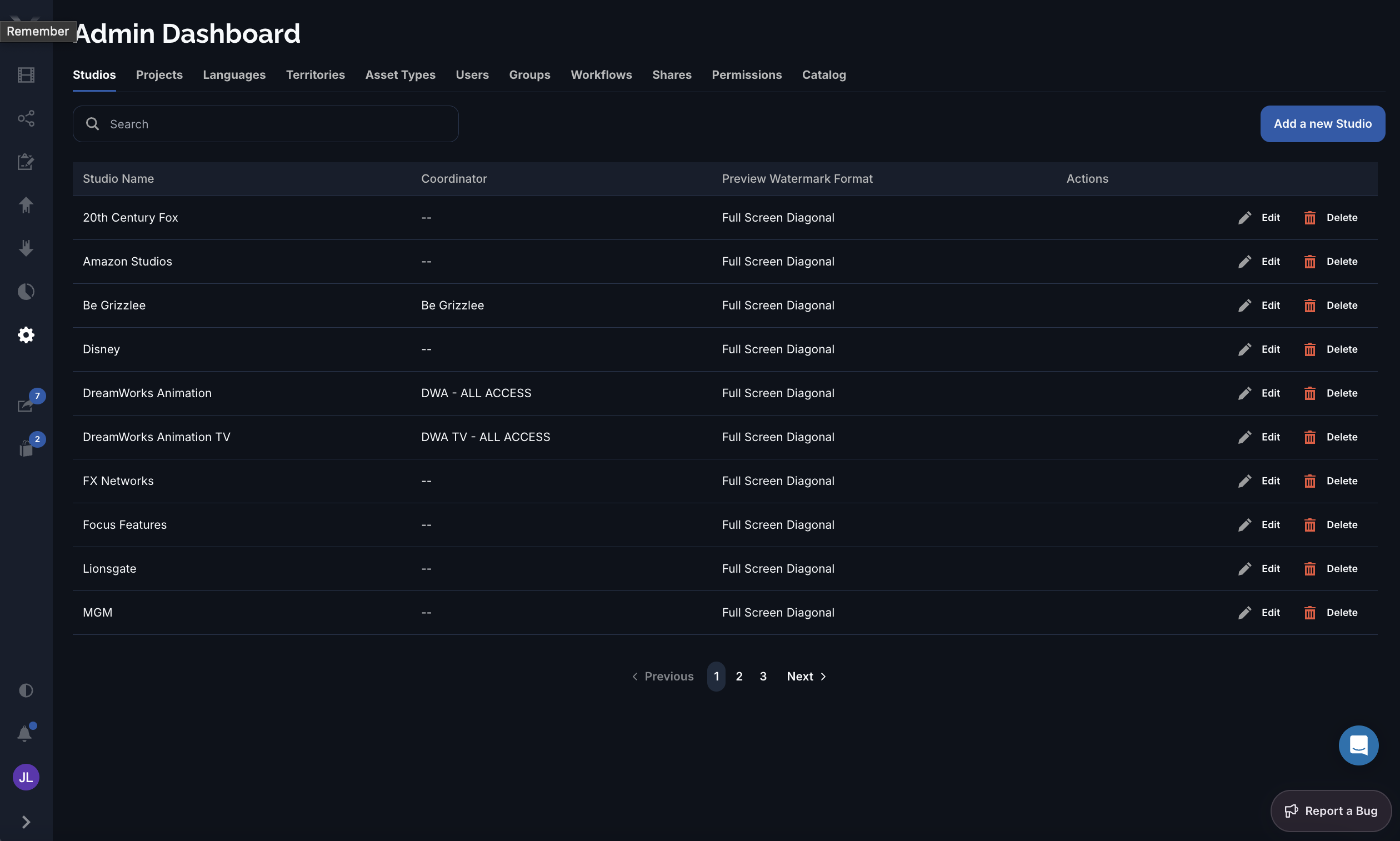
Each tab manages one kind of record. Most share the same pattern: a searchable, paged list with an Add a new … button, and per-row Edit and Delete actions. A few tabs (Permissions, Catalog) use a custom layout suited to what they manage.
| Tab | What you manage |
|---|---|
| Studios | The studios that own projects — name, logo, coordinator, watermark format, and 2FA. |
| Projects | The projects under each studio, including their file prefix and archive state. |
| Languages | The localization languages available platform-wide — their codes and translation fonts. |
| Territories | The distribution territories (geographic regions), each with its assigned languages and countries. |
| Asset Types | The asset types (trailer, TV spot, key art, and so on) assets can be categorized as. |
| Users | The people on the platform — accounts, group membership, and approval state. |
| Groups | The groups that define a user’s role and permissions. |
| Workflows | The asset workflows orders move through — phases and approval behavior. |
| Shares | Oversight of shares across the platform. |
| Permissions | The permissions granted to each group or user, scoped by studio, project, territory, language, and usage. |
| Catalog | Bulk embargo management for files and previews. |
Within the standard list tabs you can:
Most administrator work is about access: creating a Studio, adding its Projects, defining the Groups people belong to, and granting those groups the right Permissions. The reference tabs (Languages, Territories, Asset Types) maintain the shared vocabulary those records draw on.